Companion page for The Wedding Seating Chart
The wedding seating chart: the companion working files
You reached the last page of The Wedding Seating Chart and followed the link here. The book is complete on its own: the whole method for turning a confirmed guest list into assigned tables is printed in full, including every worksheet, and readers do finish their charts with nothing but the book and a pencil. This page offers the same worksheets already built, for readers who would rather not redraw a hundred-row grid by hand.
What this page recommends
The book teaches the complete seating method and prints every worksheet in full, so nothing is withheld from readers who do not buy. The Wedding Seating Chart Maker is that same structure as a pre-built editable workbook and printable packet, which removes the work of rebuilding the guest master, table capacity and vendor handoff sheets by hand.
Recommended tool: Wedding Seating Chart Maker — $19
What the book already gave you
This is the part people ask about first, so it is set out plainly. Every item below is printed in the book in full, and a reader who buys nothing can still complete a seating chart from start to finish.
- ✓ The full method from confirmed RSVPs to assigned seats
- ✓ Every worksheet reproduced in print, ready to copy by hand
- ✓ Table capacity rules for round, long and mixed layouts
- ✓ How to handle divorced parents, late RSVPs and no-shows
- ✓ The vendor and caterer handoff sequence, step by step
What the paid workbook adds
The Wedding Seating Chart Maker holds no seating rule that the book left out. It is the same structure delivered as files you can sort, filter, reprint and hand to a caterer, with the columns already named and the formulas already written.
- ✓ Guest Master sheet with 104 rows already laid out
- ✓ Tables sheet with 34 rows and capacity checks
- ✓ Vendor Handoff sheet sized for the caterer and venue
- ✓ 30 built-in formulas for counts, meals and unassigned seats
- ✓ An 11-page printable PDF packet, plus escort-card worksheets
How readers use the book and the files together
The order below is the one the book sets out. The workbook does not change it. It gives each step a place to be recorded so the count you hand the caterer is the count you actually assigned.
- ✓ Enter one row per person, as the book insists, not per household
- ✓ Record meals, allergies, accessibility and children as you go
- ✓ Set table capacities before assigning anyone to a seat
- ✓ Reconcile late RSVPs against unassigned seats
- ✓ Freeze and date the vendor handoff before sending it
Working view
| Piece of the method | In the book | In the Wedding Seating Chart Maker |
|---|---|---|
| Guest-to-seat method | Taught in full, with worked examples | Not repeated; the workbook assumes it |
| Guest master worksheet | Printed in full, copy by hand | Pre-built sheet, 104 rows, editable |
| Table capacity worksheet | Printed in full, copy by hand | Pre-built sheet, 34 rows, with checks |
| Meal and allergy tracking | Printed in full, copy by hand | Columns built in, counted by formula |
| Caterer and venue handoff | Photocopy the book pages | 11-page PDF packet plus export sheet |
Look inside the paid files
Real previews from Wedding Seating Chart Maker
These are flattened, watermarked images generated from the canonical paid PDF and XLSX release. They show the real structure without exposing an editable template.
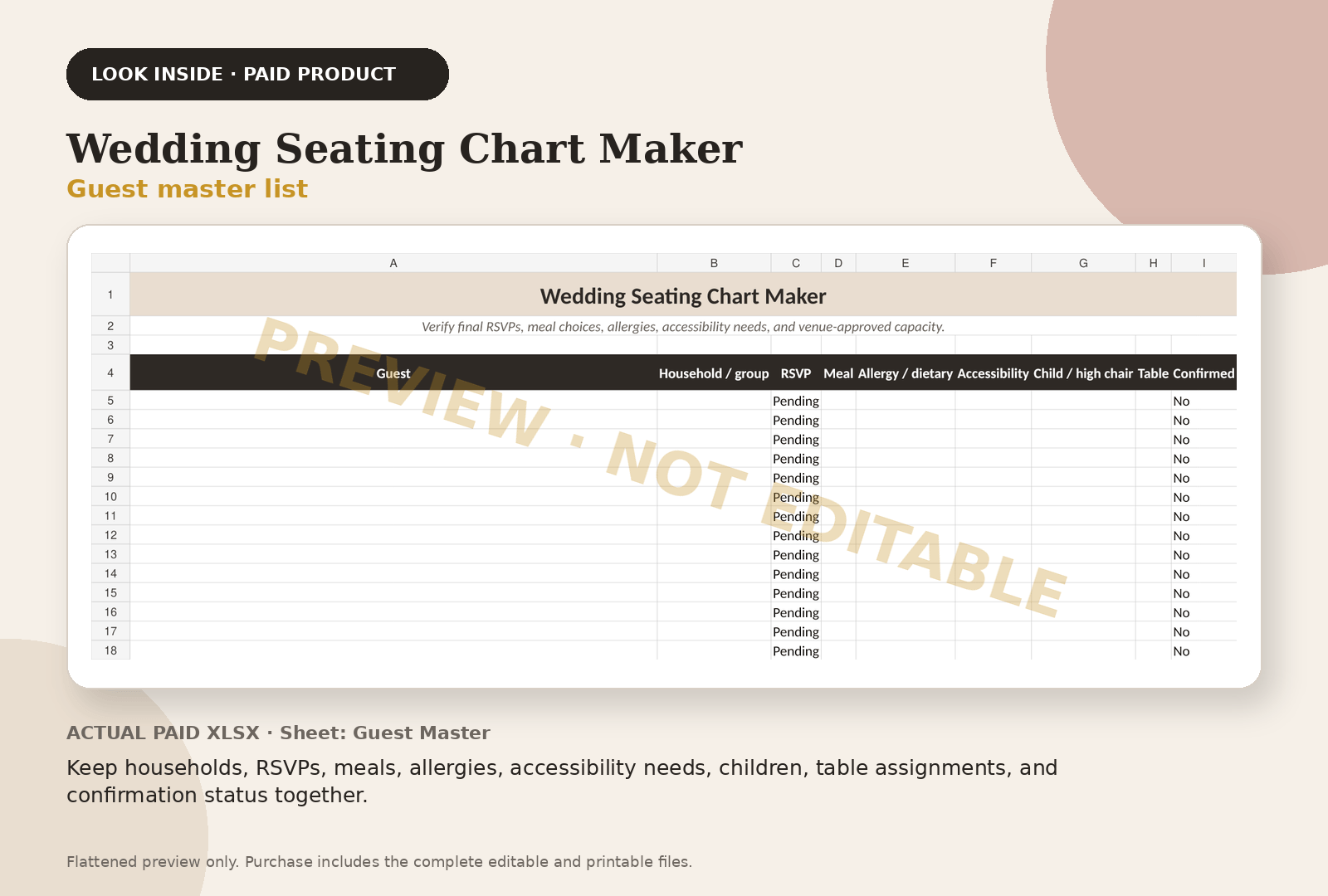
Keep households, RSVPs, meals, allergies, accessibility needs, children, table assignments, and confirmation status together.
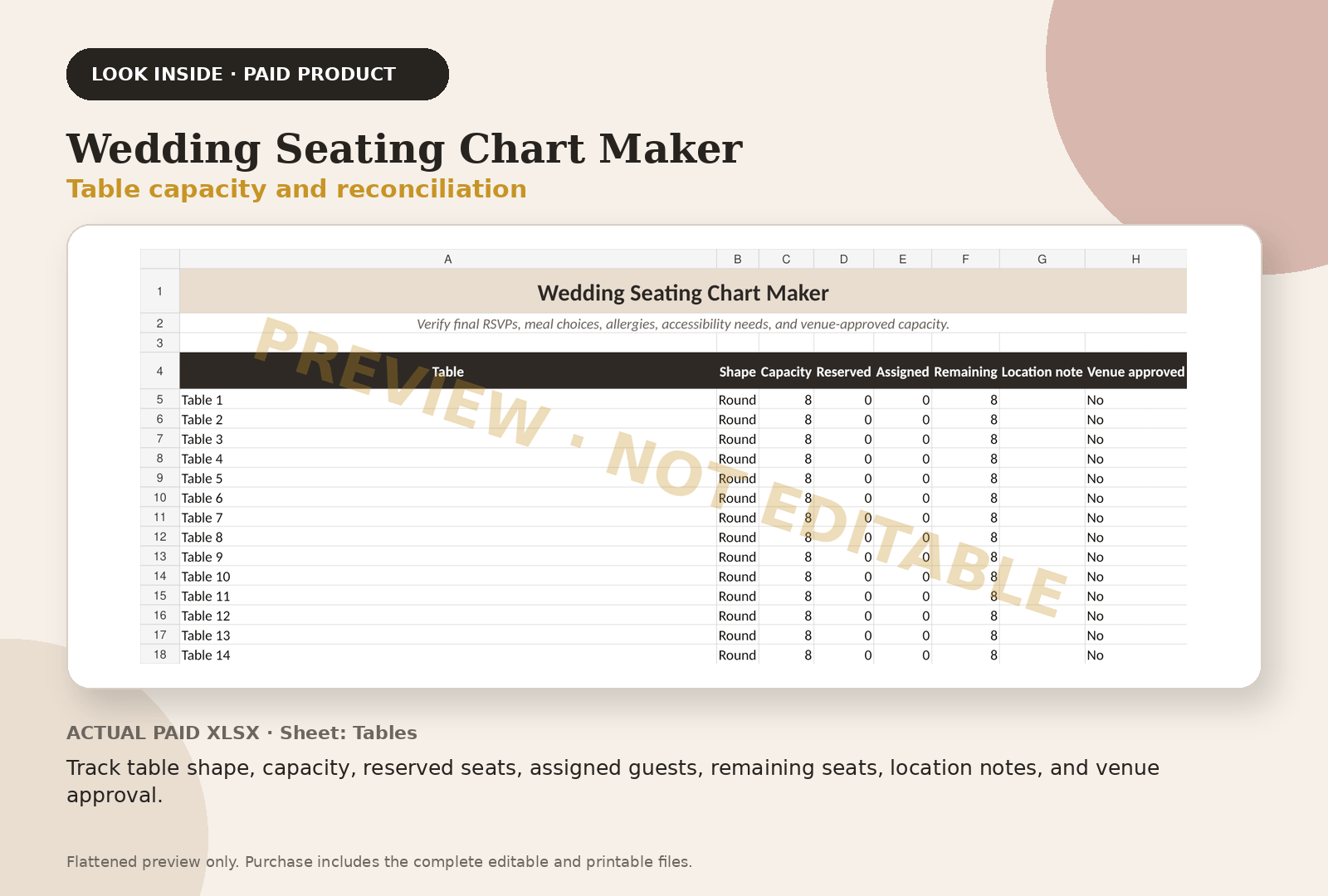
Track table shape, capacity, reserved seats, assigned guests, remaining seats, location notes, and venue approval.
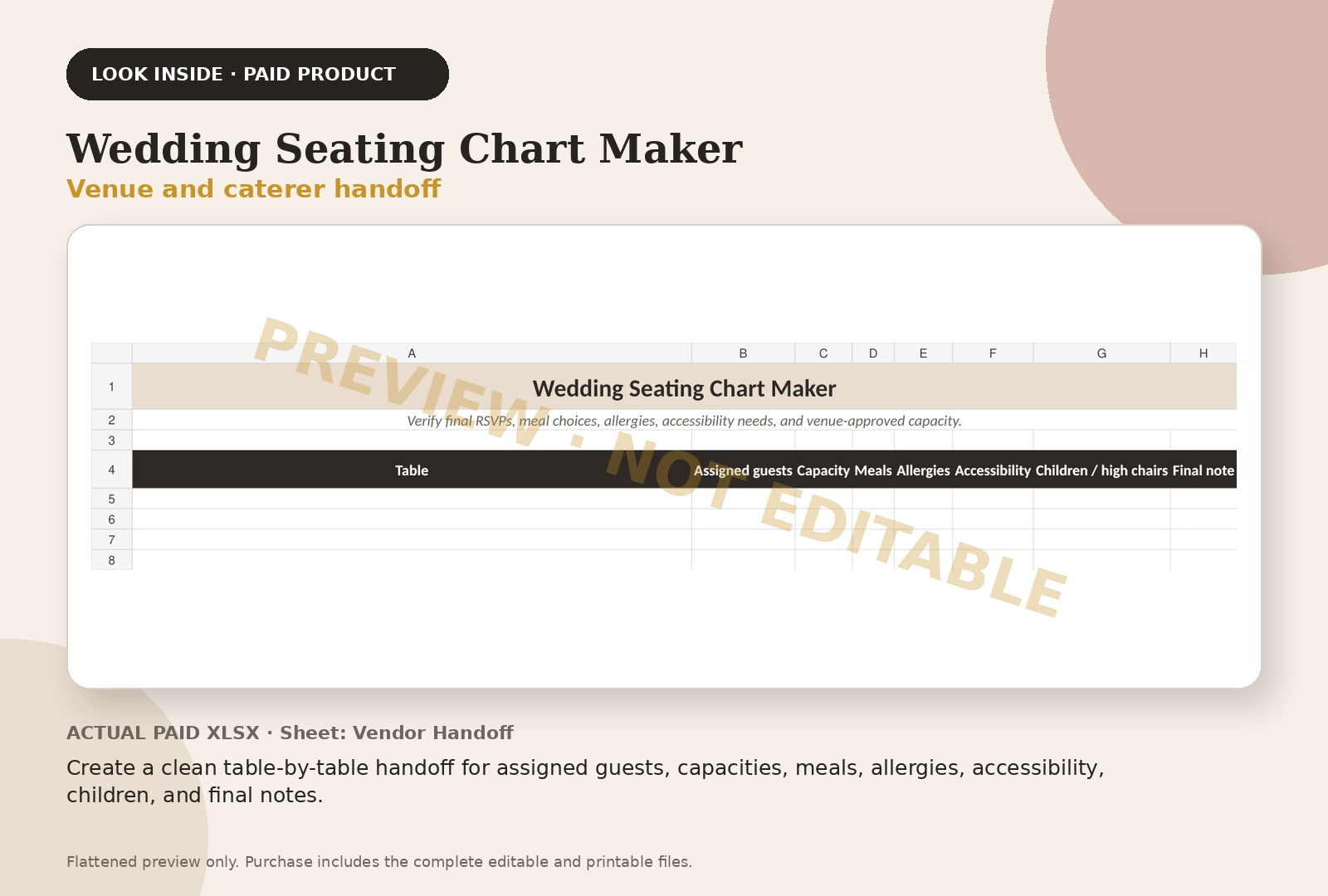
Create a clean table-by-table handoff for assigned guests, capacities, meals, allergies, accessibility, children, and final notes.
Questions couples ask
Frequently asked questions
Is the book usable without the workbook?
Yes. The book prints the complete method and every worksheet in full. It was written to be finished with paper alone, and the workbook adds no seating rule that the book held back.
What am I paying nineteen dollars for?
Setup and file format. The guest master, table and handoff sheets are already built, the columns are named, and thirty formulas already count meals, capacities and unassigned guests as you type.
Does it rearrange my tables automatically?
No. It is an editable workbook, not an algorithm. You make the seating decisions using the method in the book; the workbook records them, checks capacities and counts what you have assigned.
Can I see inside before buying?
Yes. The product page shows flattened, watermarked images generated from the actual paid PDF and workbook, so you can inspect the real structure before deciding.
Continue with the working system
Wedding Seating Chart Maker
This educational guide explains the method. The product page shows the actual paid-file previews, exact file inventory, and checkout path.
Review Wedding Seating Chart Maker — $19Outside services couples use
Registry and invitations, when you get there
Some of these are affiliate links: if you sign up or buy through them we may earn a commission, at no cost to you.
Keep planning